
LED Desk Lamp
7 colors-Curved
$54.99
Skip to product information



LED Desk Lamp
$54.99
SPECIFICATIONS
Brand Name: 1188
Certification: ce,EMC,FCC,ROHS,RoHs
Choice: yes
High-concerned chemical: None
Is Batteries Included: No
Is Bulbs Included: No
Is Dimmable: Yes
Is Smart Device: No
Item Type: Desk Lamps
Light Source: LED bulbs
Luminous Flux: 60-249
Nominal Voltage: 4.5V
Origin: Mainland China
Power Source: DC
Style: Modern Style
Switch Type: Touch On/Off Switch
Voltage: 5v
Warranty: No warranty
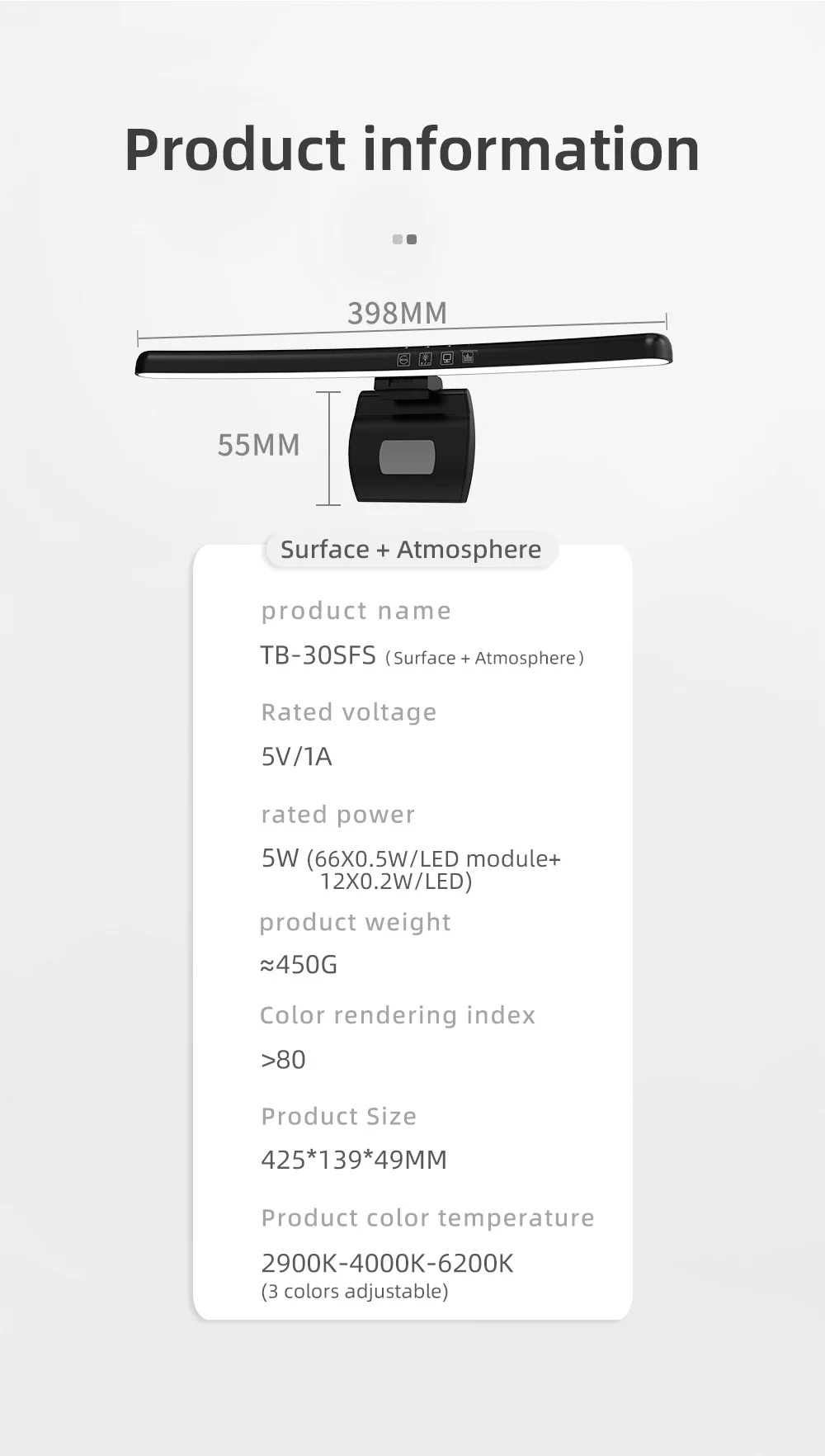
TB-301SFS Product information:
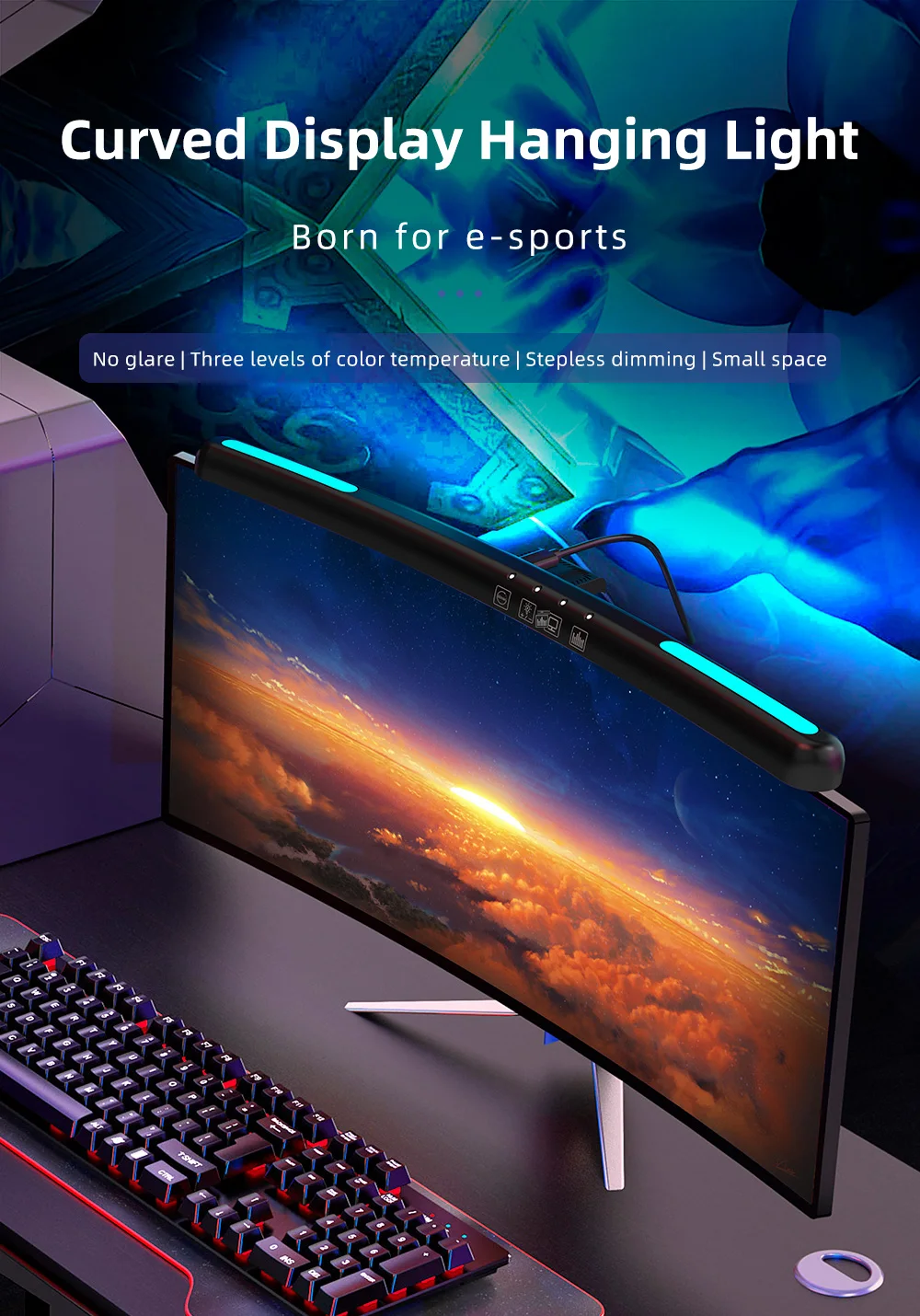
-Product Name:Curved Display Hanging Light
-Model:TB-301SFS(Surface +Atmosphere)
-Rated voltage:5V/1A
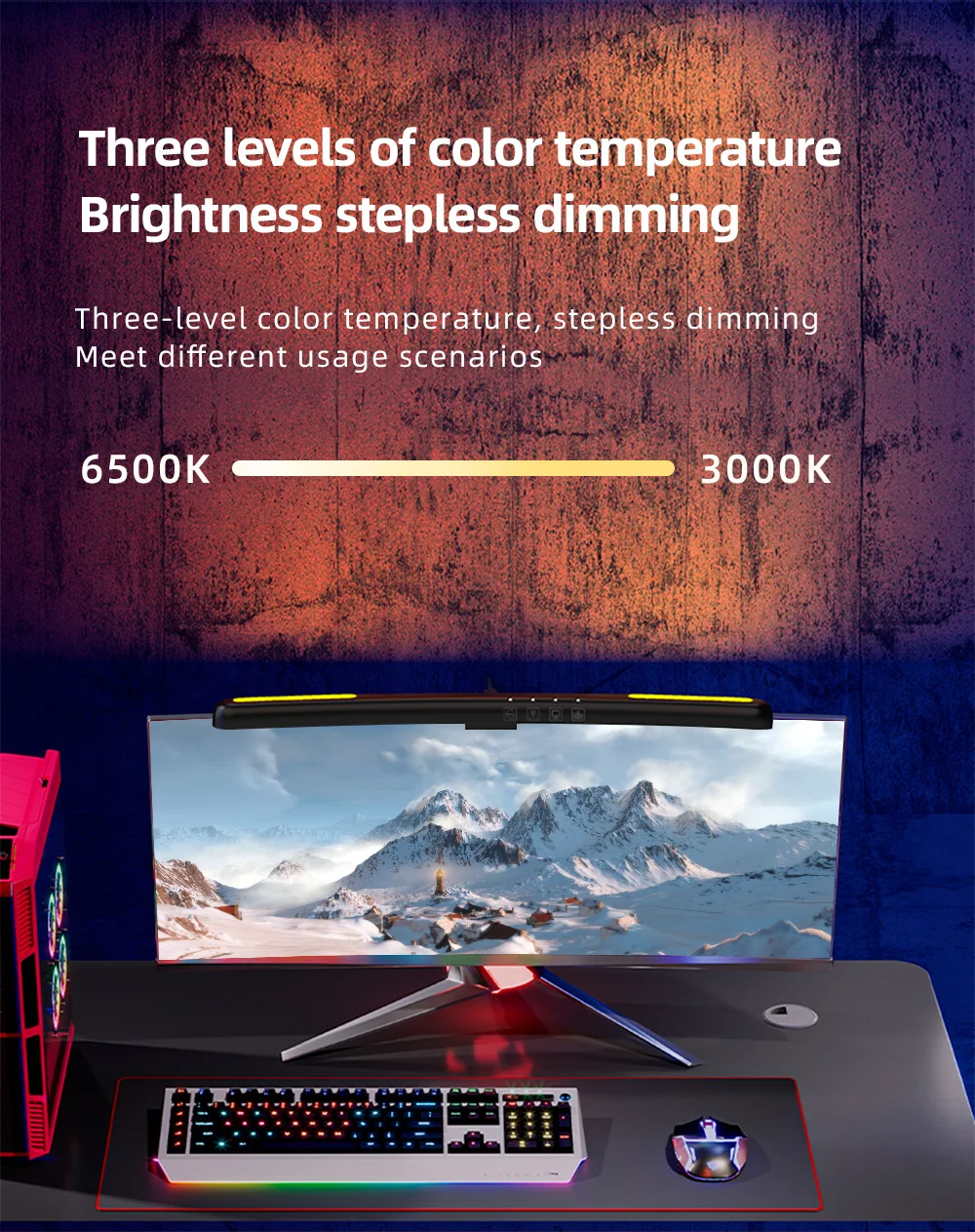
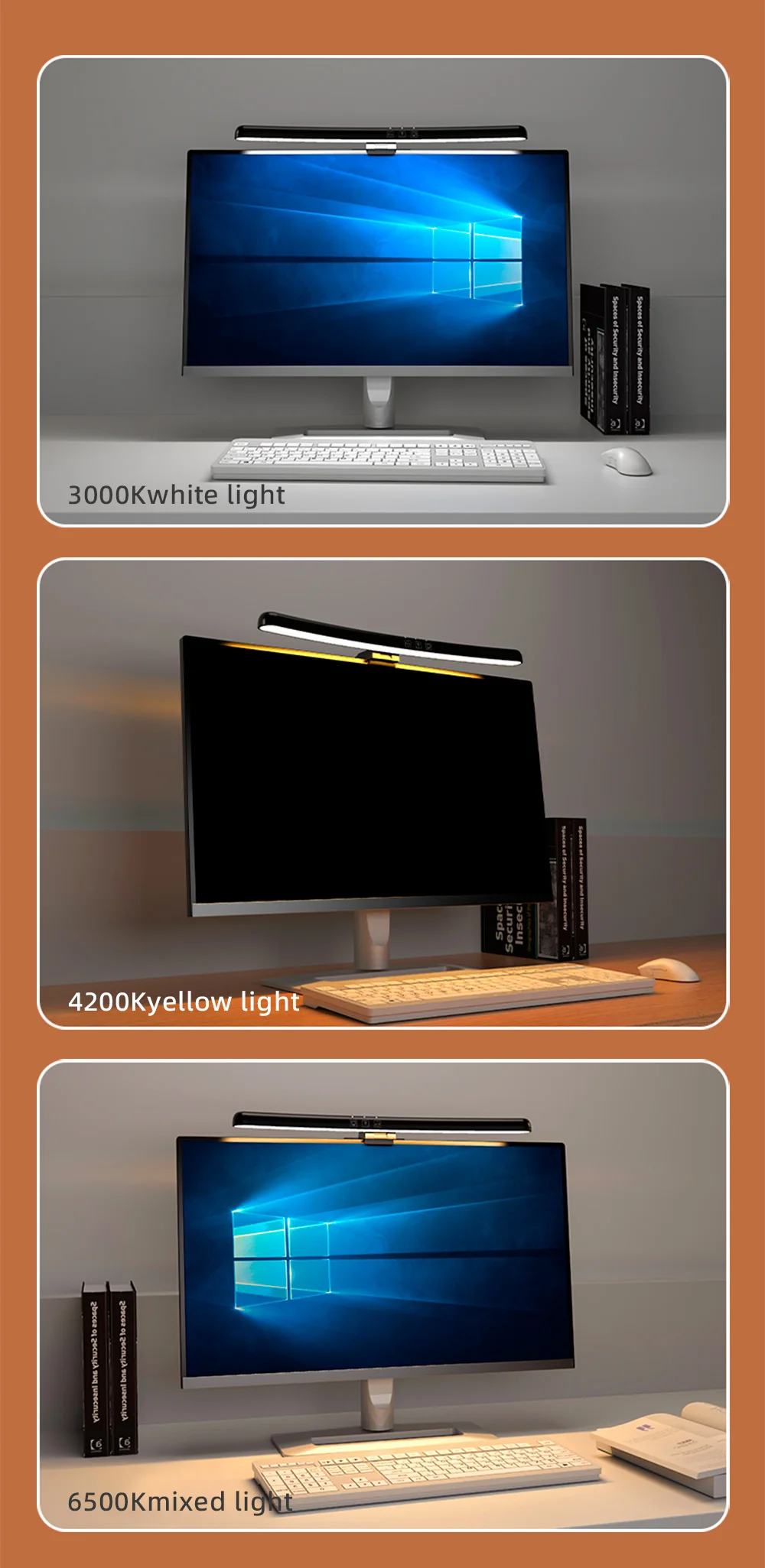
-Stepless dimming:3 gear color temperature
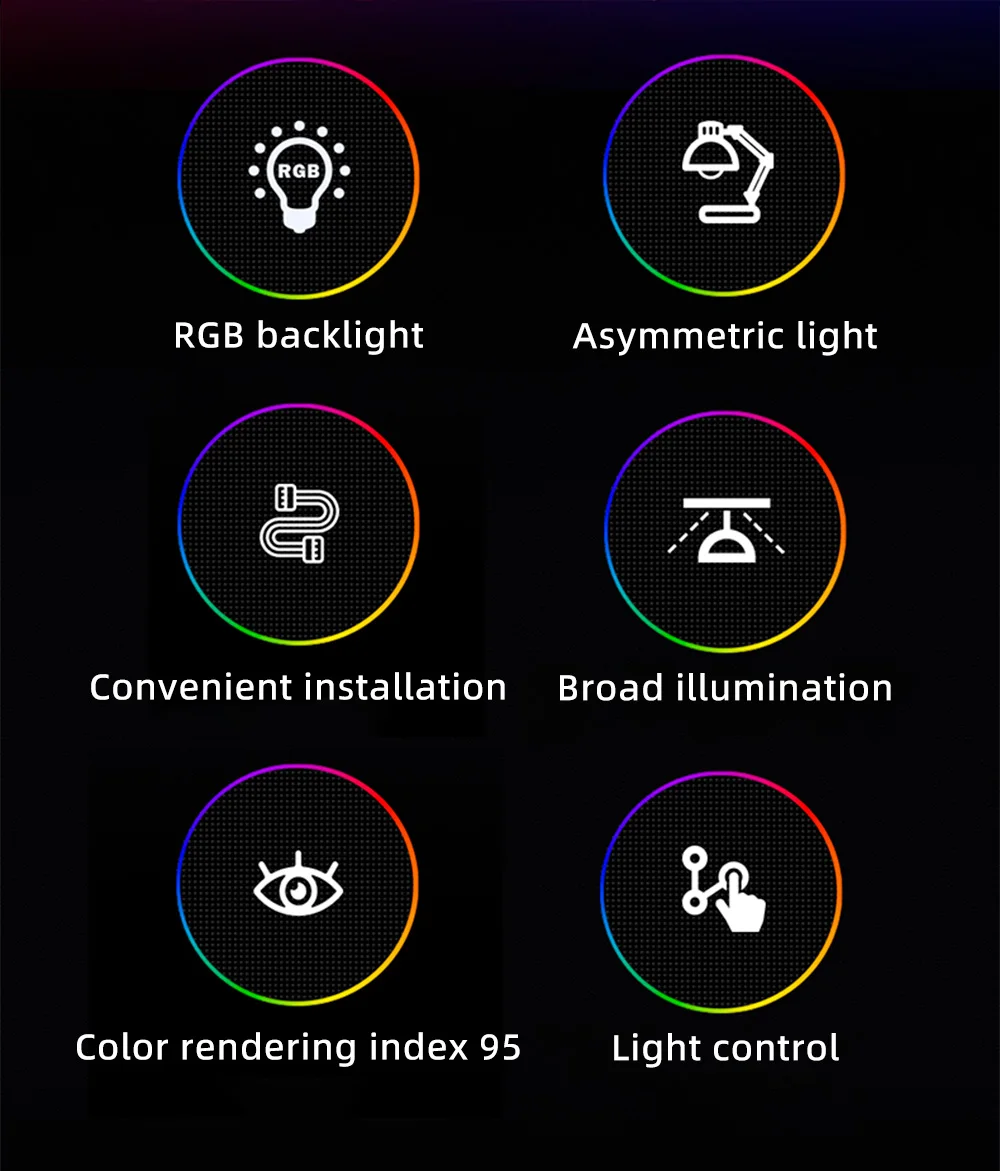
-Ambient light:7-color
-Rated power:5W (66X0.5W/LED module+12X0.2W/LED)
-Product weight:≈450G
-Color rendering index:>80
-Product Size:425*139*49MM
-Product color temperature:2900K-4000K-6200K(3 colors adjustable)
Feature:
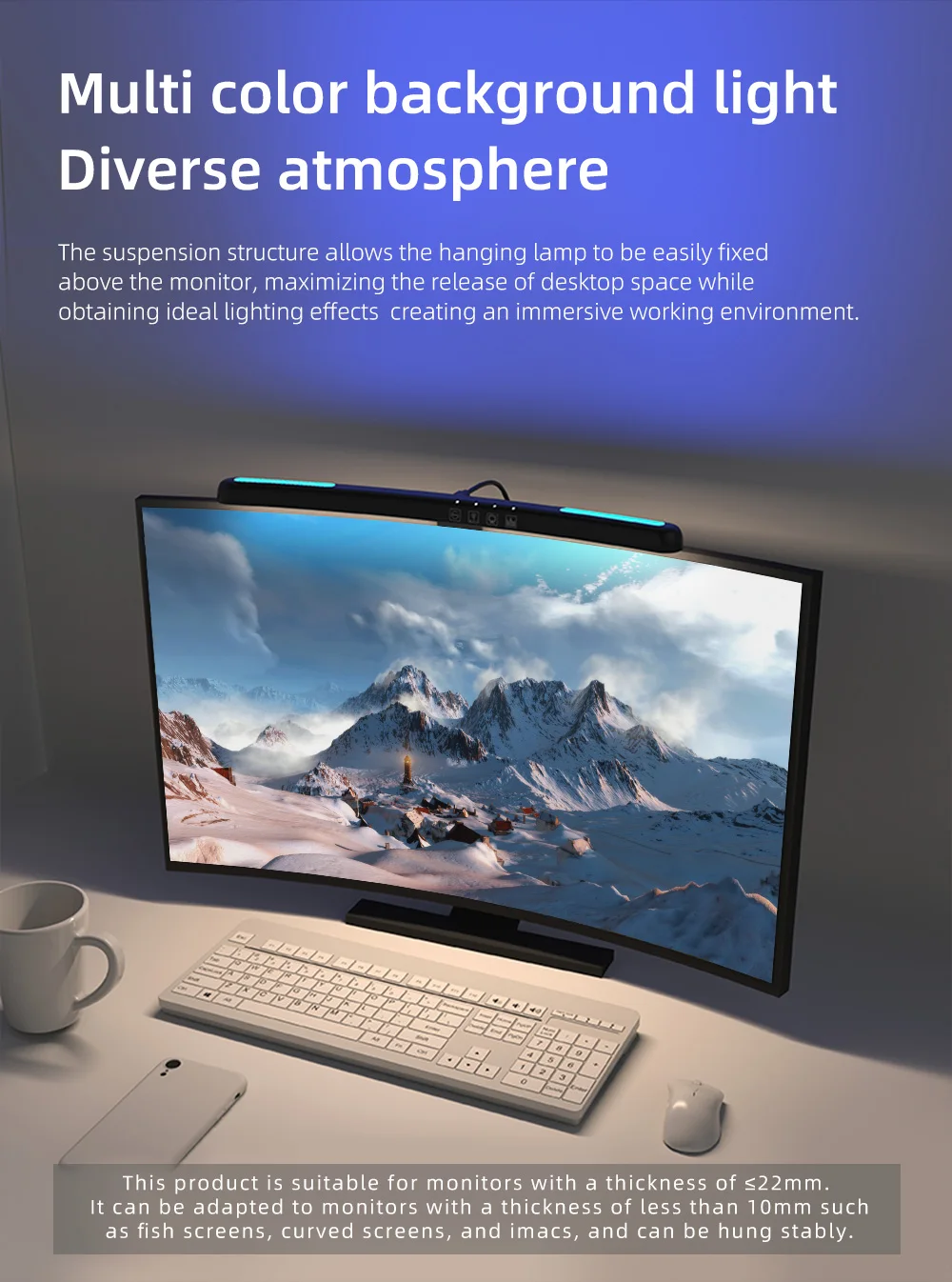
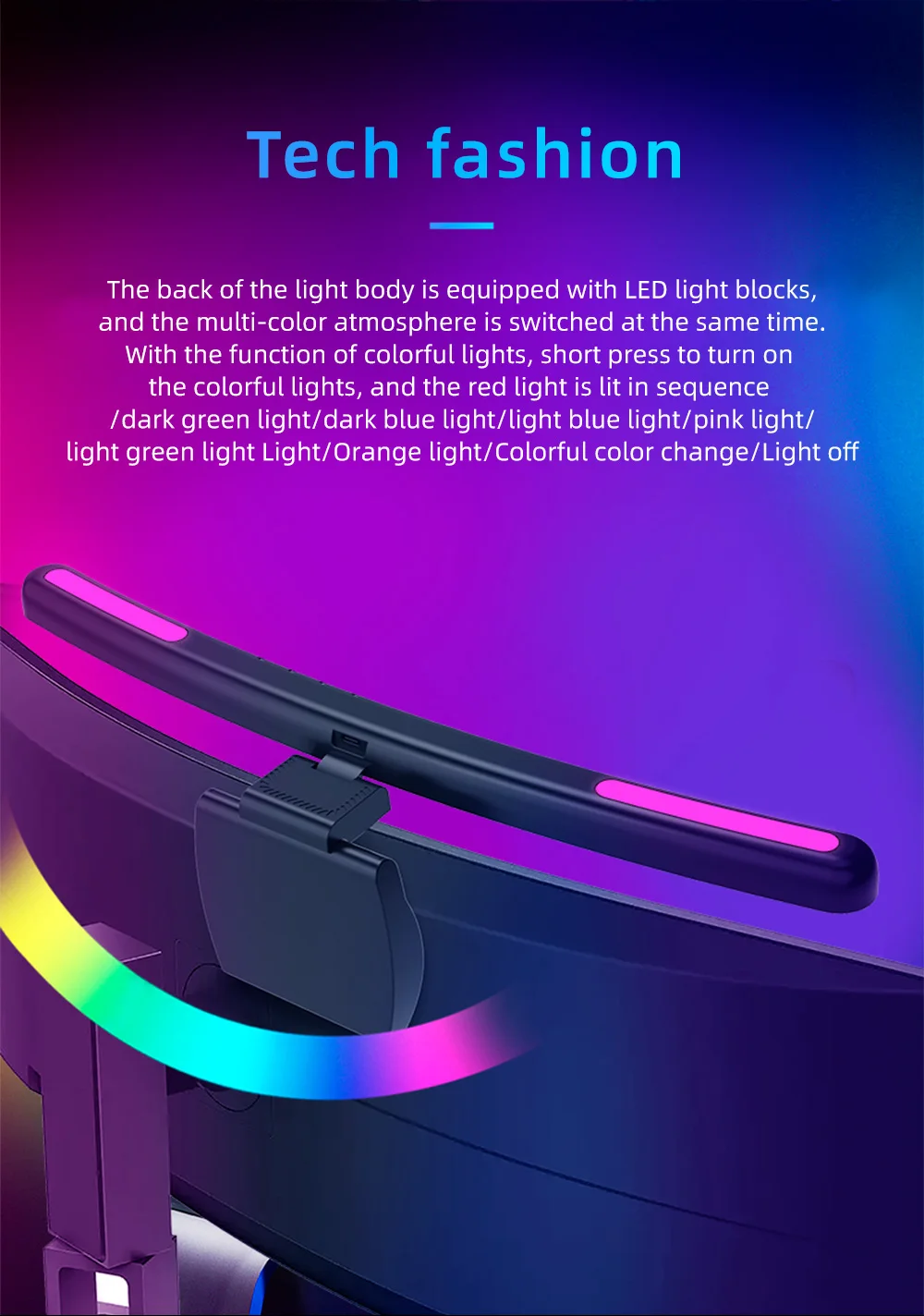
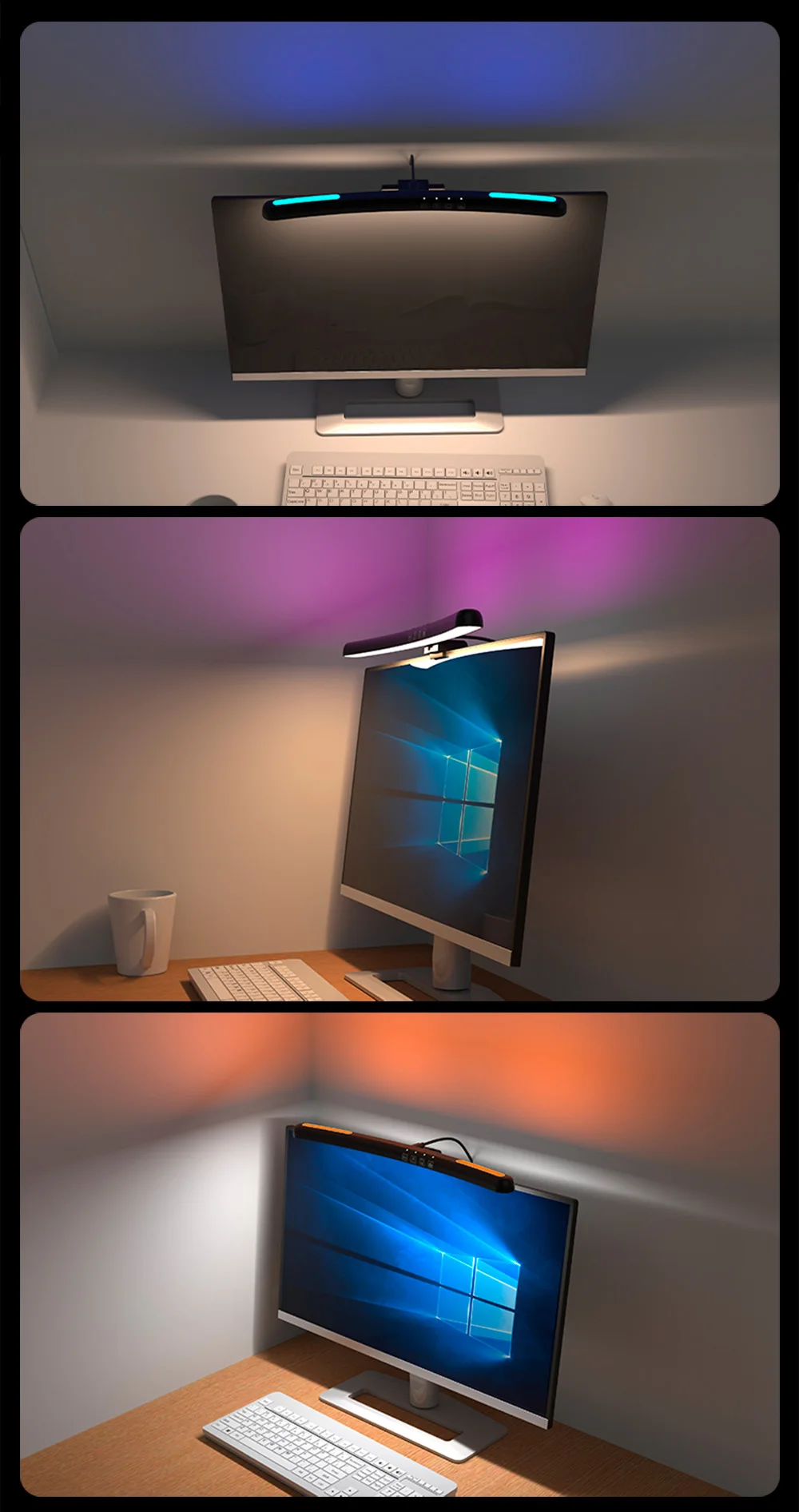
-Multi color background light Diverse atmosphere:
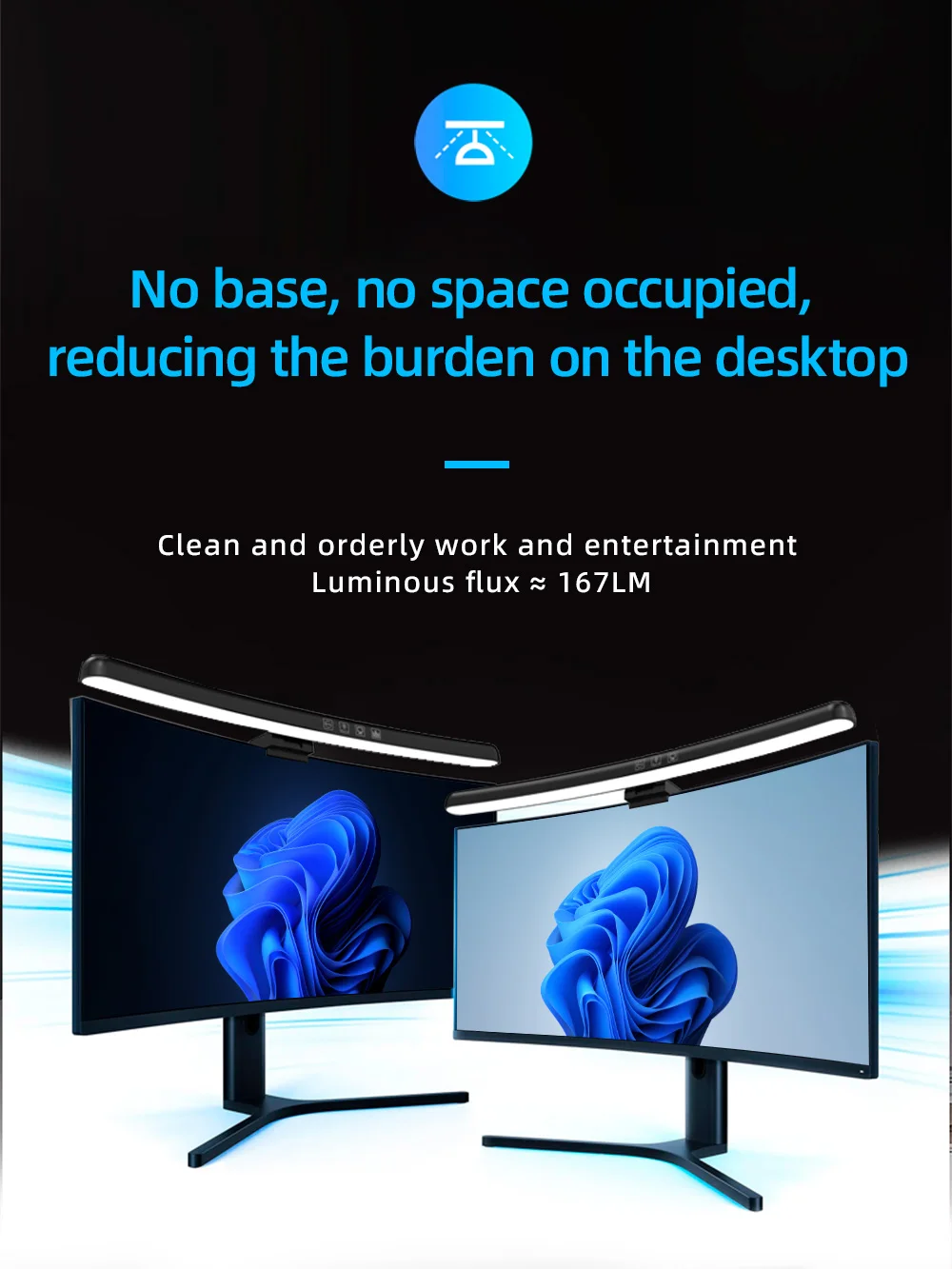
The suspension structure allows the hanging lamp to be easily fixed above the monitor, maximizing the release of desktop space while obtaining ideal lighting effects creating an immersive working environment.
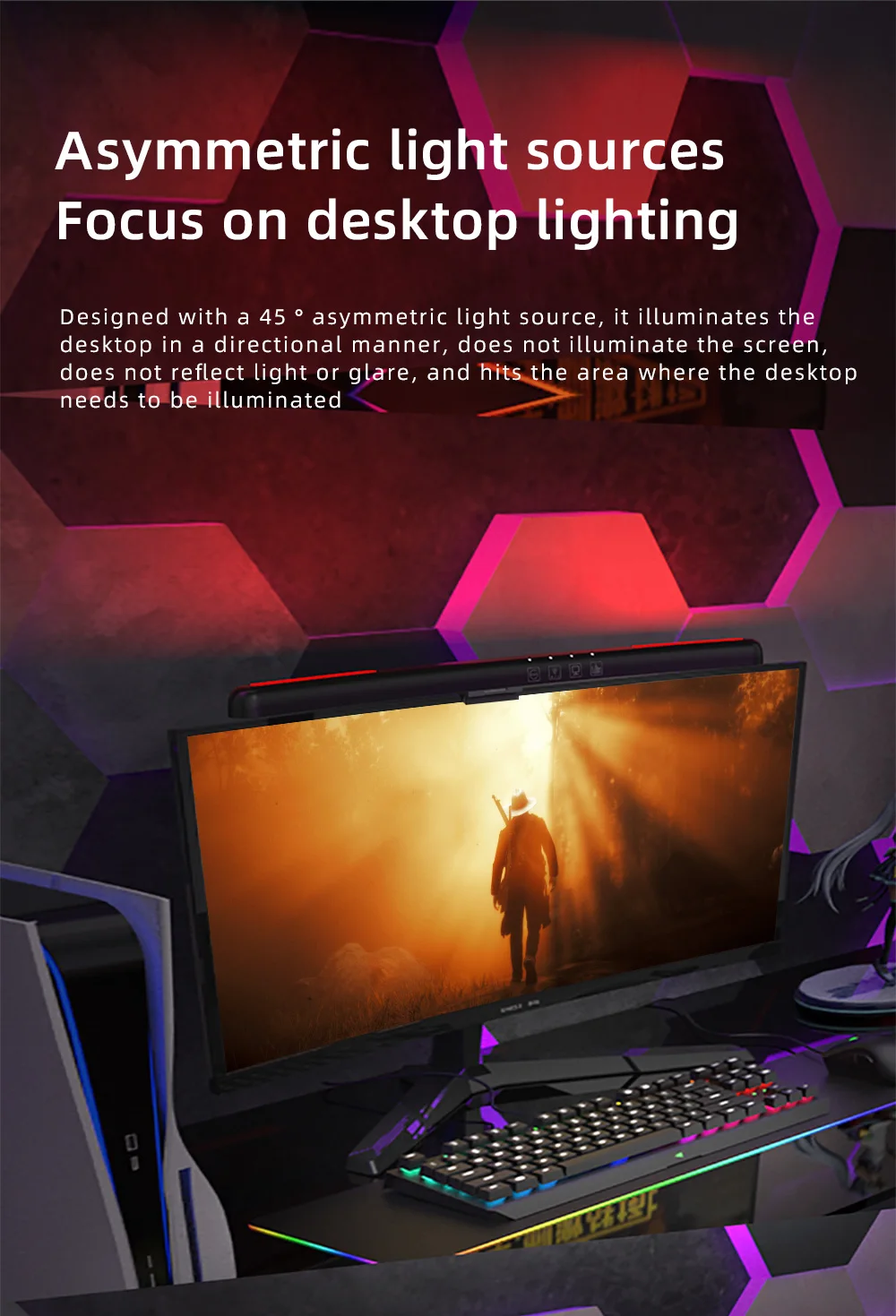
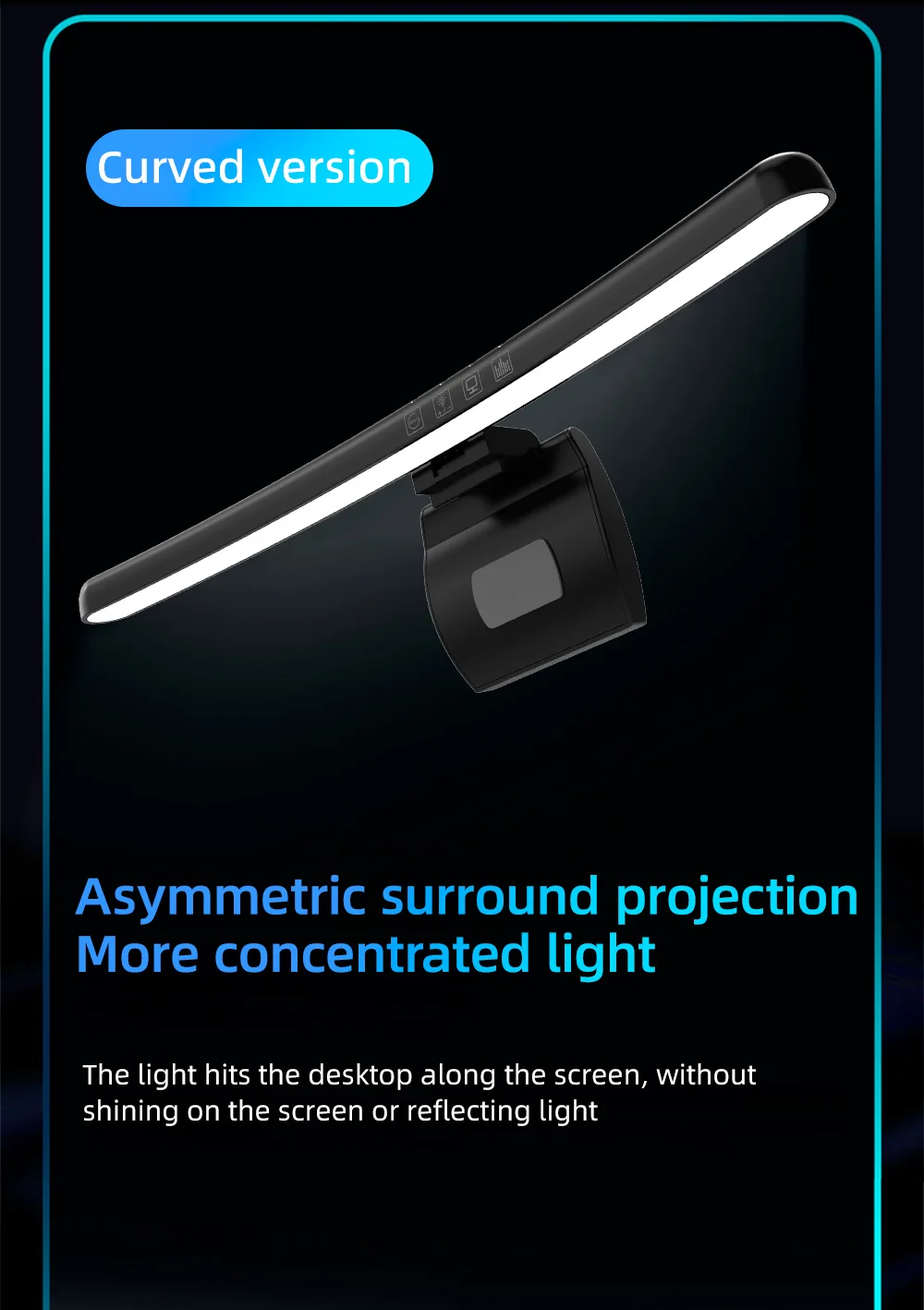
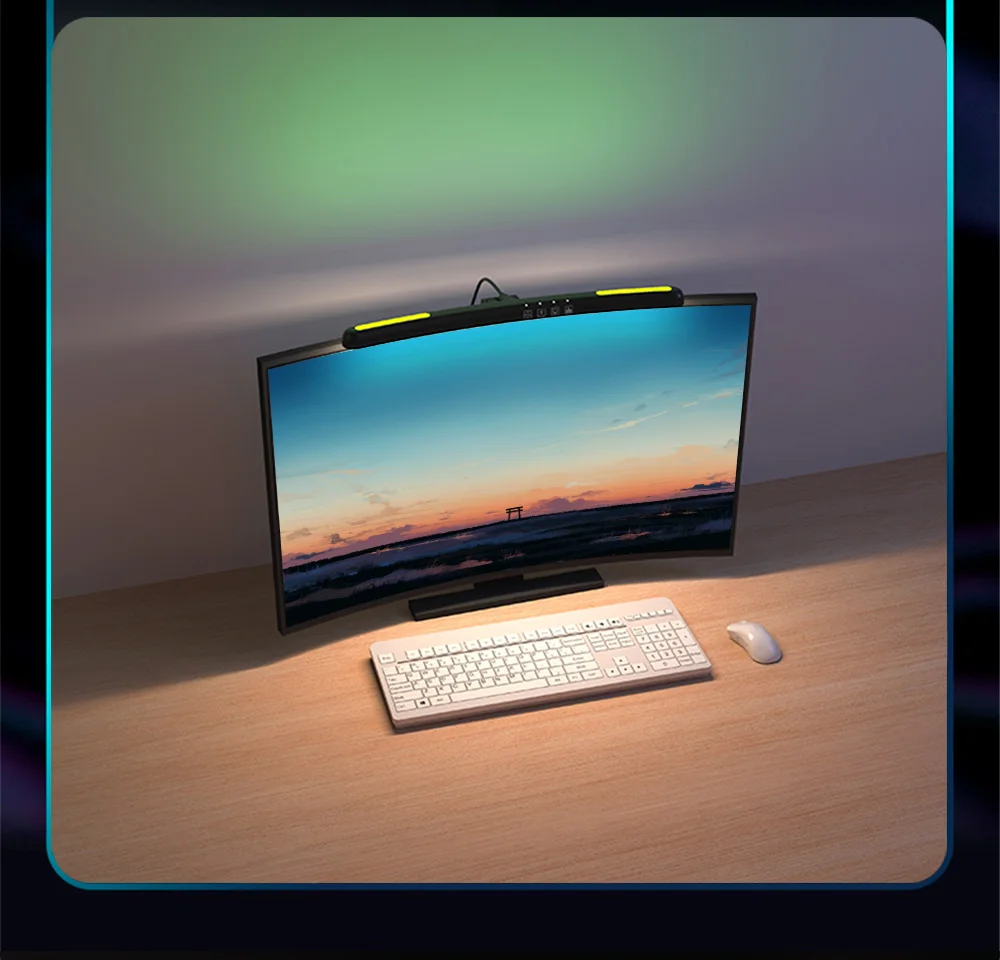
-Asymmetric light sources Focus on desktop lighting
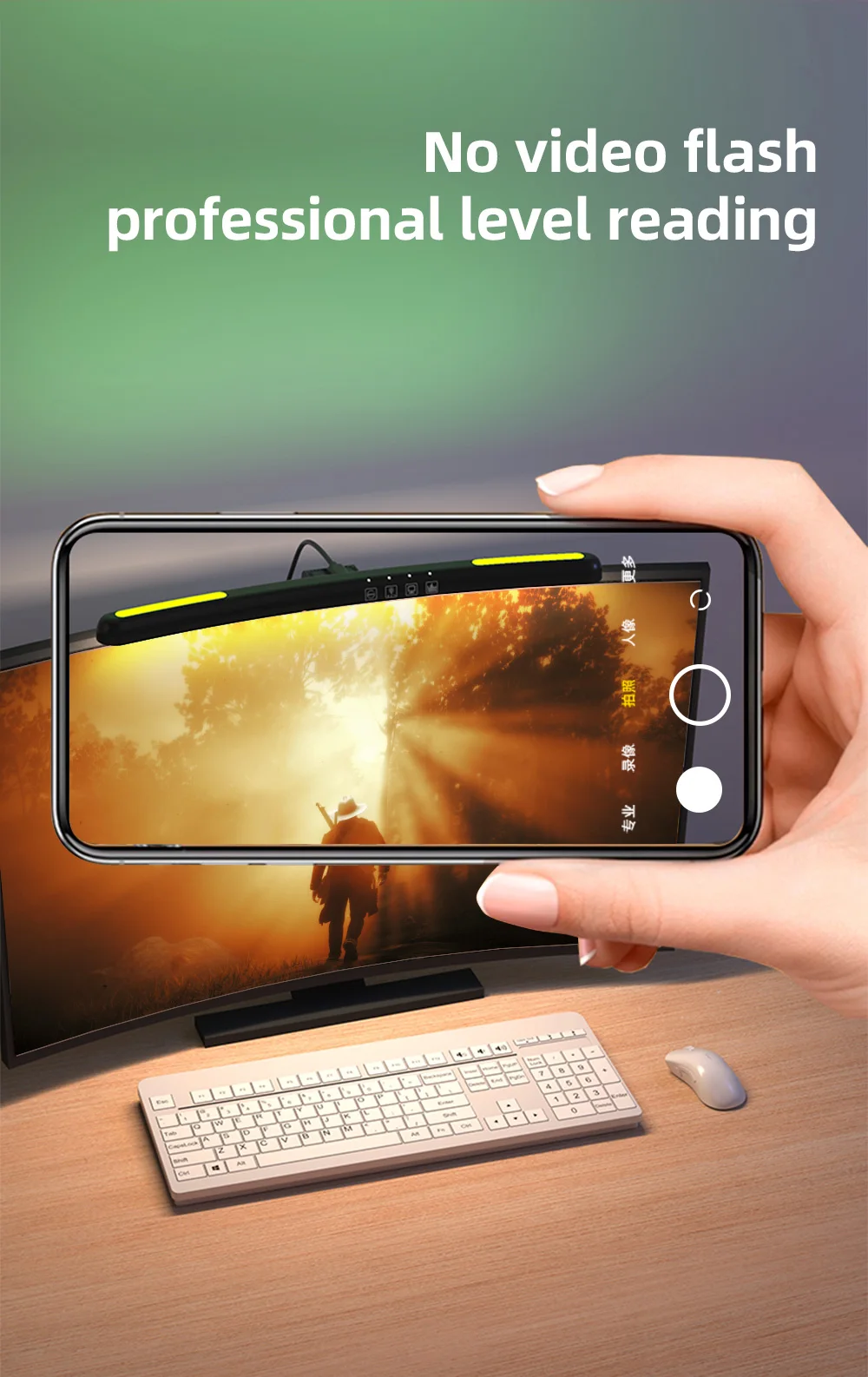
Designed with a 45° asymmetric light source,it illuminates the desktop in a directional manner, does not illuminate the screen,does not reflect light or glare, and hits the area where the desktop needs to be illuminated.
-Tech fashion
The back of the light body is equipped with LED light blocks,and the multi-color atmosphere is switched at the same time.With the function of colorful lights, short press to turn on the colorful lights, and the red light is lit in sequence/dark green light/dark blue light/light blue light/pink light/light green Light/Orange light/Colorful color change/Light off.
Instructions:
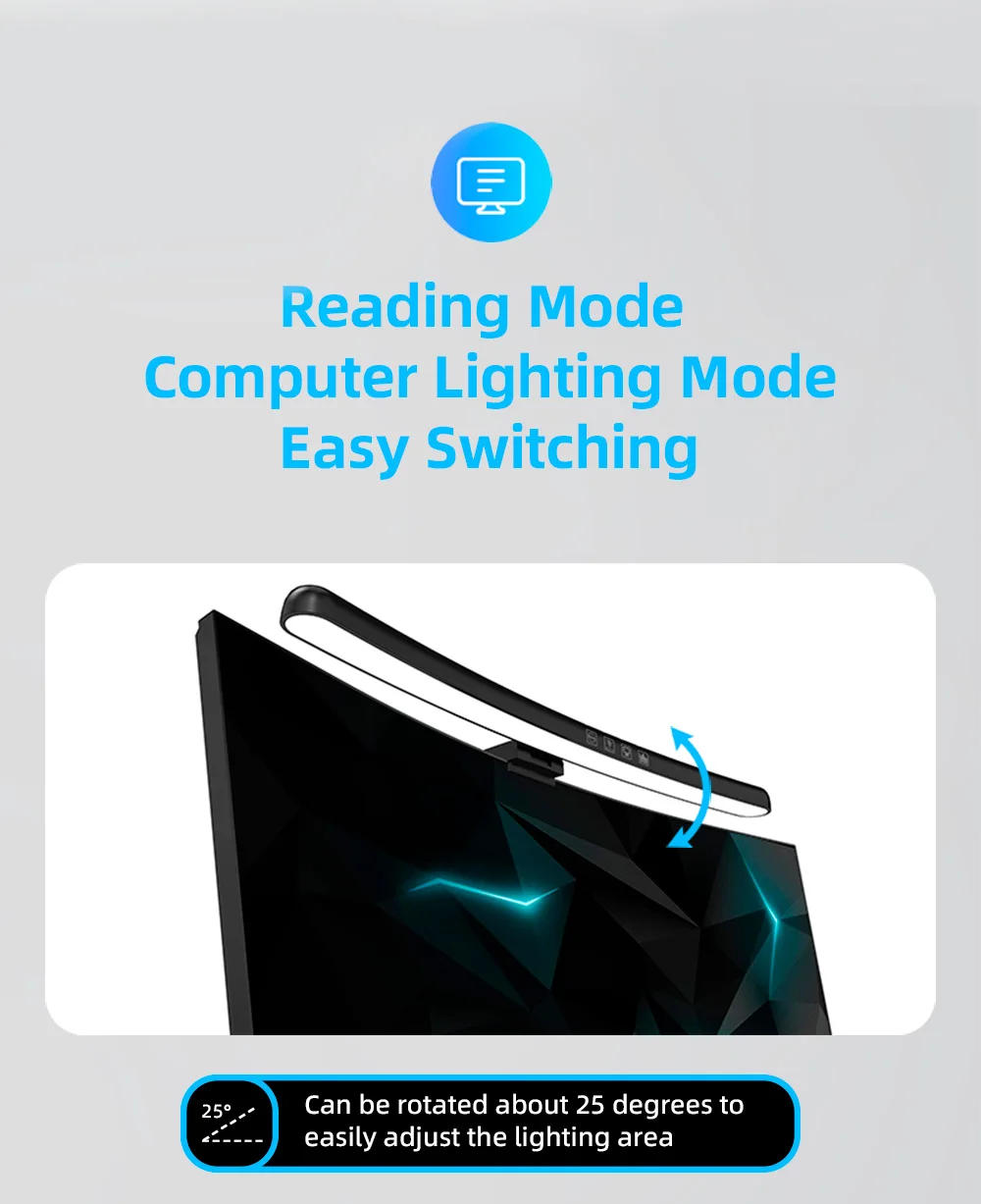
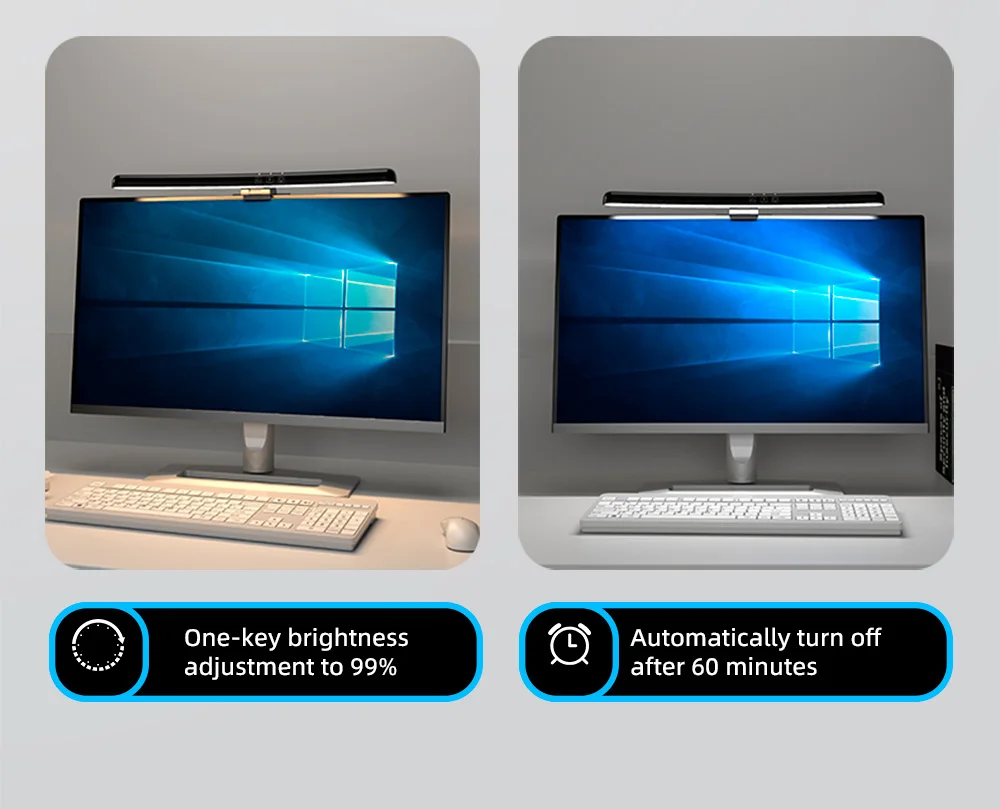
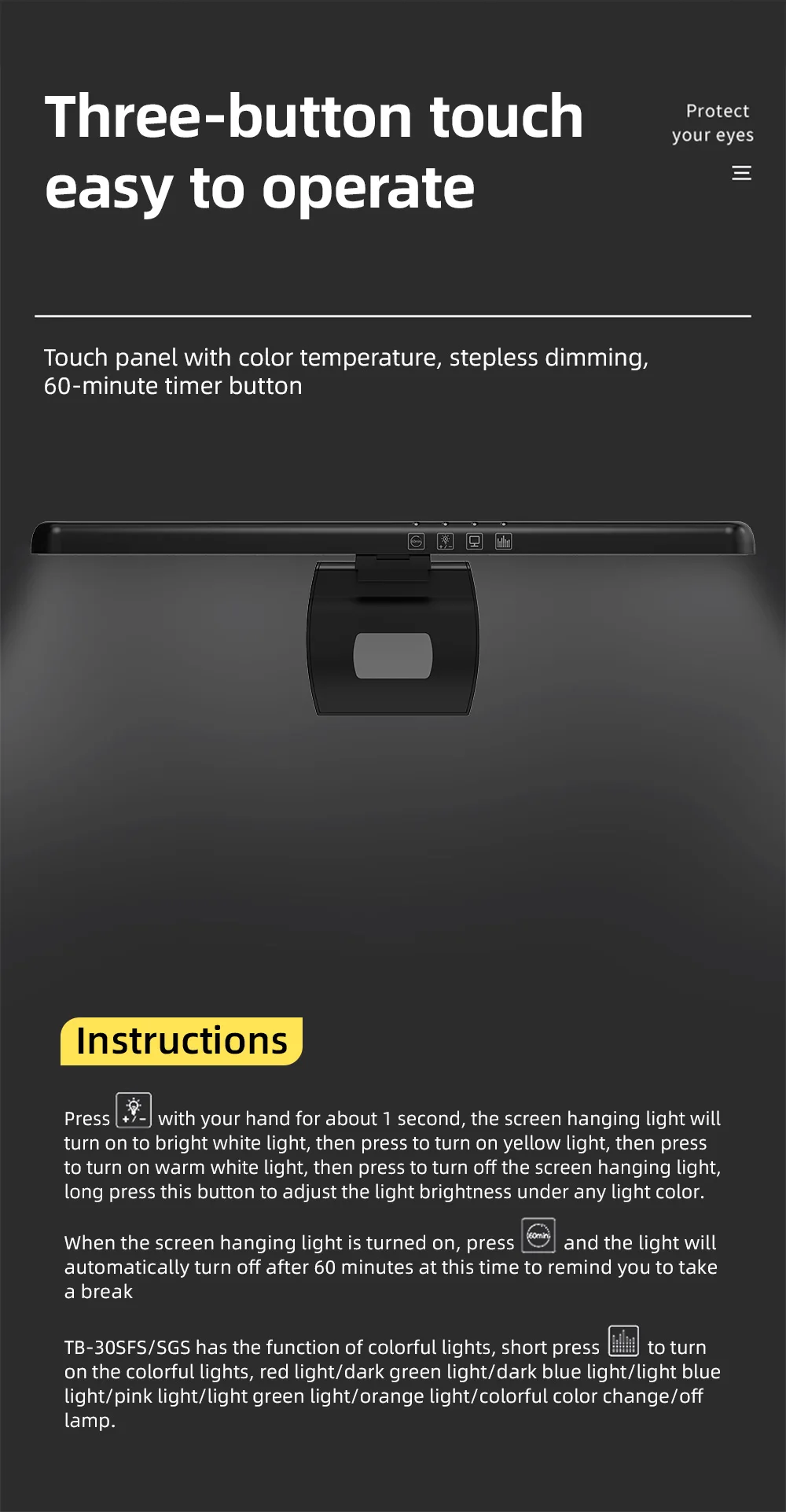
1.Press''Light Button''with your hand for about 1 second, the screen hanging light will turn on to bright white light, then press to turn on yellow light, then press to turn on warm white light, then press to turn of the screen hanging light,long press this button to adjust the light brightness under any light color.
2.When the screen hanging light is turned on, press''60min button''and the light will automatically turn off after 60 minutes at this time to remind you to take a break.
3.This product comes with the function of colorful lights, short press''wave button''to turn on the colorful lights,red light/dark green light/dark blue light/light blue light/pink light/light green light/orange light/colorful color change/off lamp.
Product Introduction
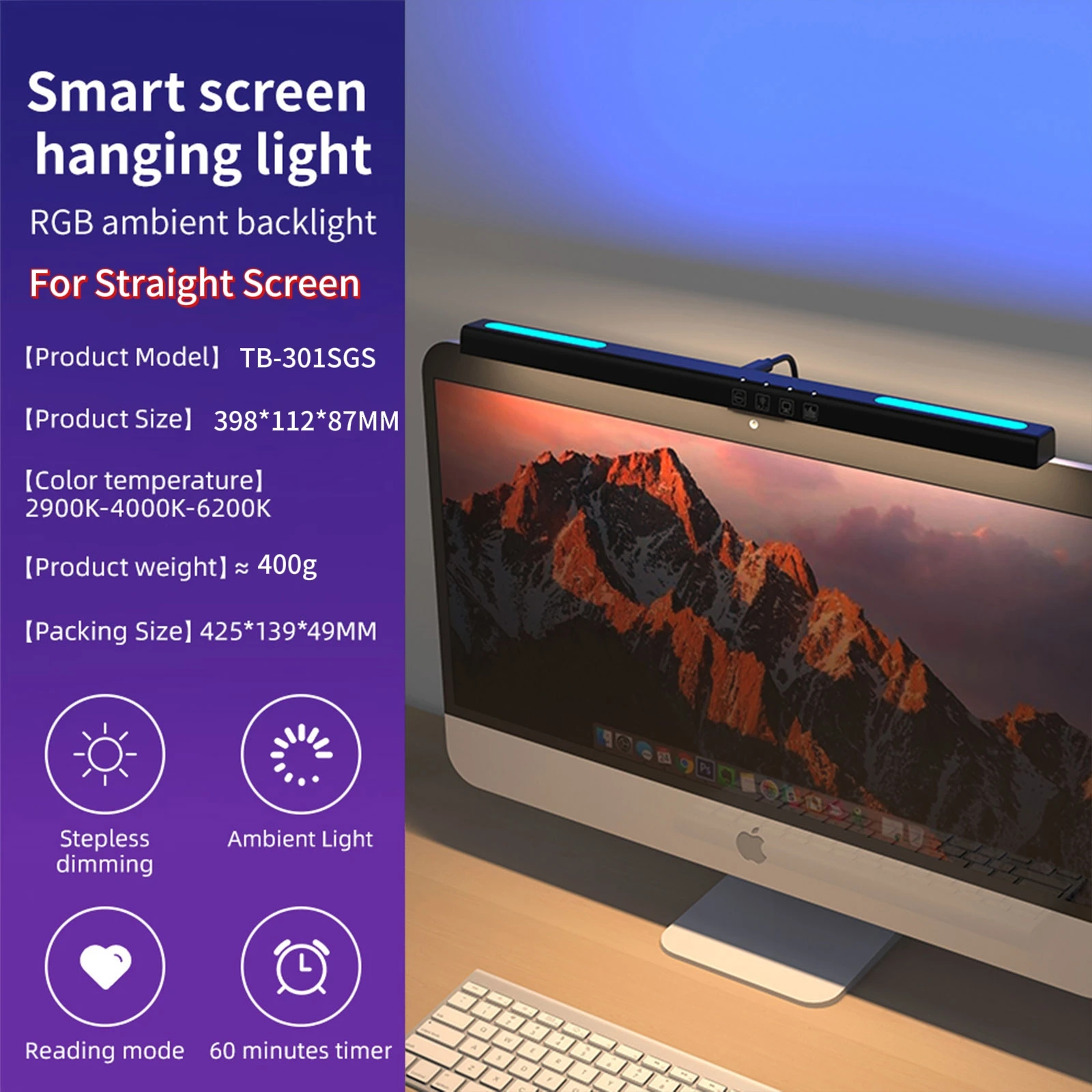
-Product Name: Computer Screen Atmosphere Light (Lighting)
-Style: Screen+Atmosphere Style
-Model: TB-301SGS (ambient light)
-Luminous flux: ≈ 167LM
-Product color temperature: 2900K-4000K-6200K (three color adjustable)
-Rated voltage: 5V/1A
-Rated power: 5W (66X0.5W/LED module+12x0.2W/LED)
-Product weight: approximately 400G
-Weight after packaging: 462g
-Color rendering index:>80
-Product size: 398 * 112 * 87MM
Features:
-Multi colored background lights create a diverse indoor atmosphere:
The suspension structure allows the hanging lamp to be easily fixed above the monitor, maximizing the release of desktop space while achieving ideal lighting effects to create an immersive working environment.
-Multi color atmosphere switching:
With the function of rainbow lights, short press to turn on the rainbow lights, which will light up red/dark green light in sequence/
Deep blue light/Light blue light/Pink light/Light green light/Orange light/Colorful color change/Turn off the lights.
-RGB multi-color background ambient light:
Create a diverse indoor atmosphere and bring you an immersive gaming atmosphere.
-Asymmetric light source, focused on desktop lighting:
Adopting a 45 ° asymmetric light source design, it directionally illuminates the desktop without illuminating the screen, reflecting light or glare, and directs the light to the areas on the desktop that require illumination.
-Touch panel, precise and easy to use
Mirror touch panel, clear and easy to use, high-precision touch buttons make interaction sensitive and elegant, and every touch can provide accurate feedback.
Screen light operation instructions:
1. Press the 'Light' button with your hand for about 1 second to turn on the white light on the screen hanging light, then press the yellow light on, then press the warm white light on, and then press the turn off button to adjust the brightness of the light in any light color.
2. With the screen hanging light on, press the '60min button'. The light will automatically turn off after 60 minutes to remind you to take a break.
3. This product comes with the function of rainbow lights. Short press the 'wave button' to turn on the rainbow lights, which will turn on red light/deep green light/deep blue light/light blue light/pink light/light green light/orange light/rainbow color changing/off in sequence.